
Templates
Prepare recurring work once.
Download five spreadsheets for seating, guests, timelines, tasks and budgets without an account.
Downloadable spreadsheets, no account needed
Seating plan template
CSV · 449 B · table with 8 guests · In the app: table layout
Guest list template
CSV · 584 B · 7 guests · In the app: RSVP questions
Timeline template
CSV · 1 kB · 10 items for the day · In the app: timeline template
Checklist template
CSV · 3 kB · 24 tasks, 6 phases · In the app: task list
Budget template
CSV · 795 B · 13 items, 4 with an amount · Cannot be saved as a template in the app
Try it
After application, the template and wedding do not affect each other.
A simplified demo with an RSVP question template. Apply it to a wedding, then edit the template or the wedding.
Template in the library
Wedding – RSVP Ash Grove Estate
4 questions
- Attendance
- Menu
- Dietary restrictions
- Free-text note
Wedding
Emily & James · RSVP questions
no questions yet
Questions appear when you apply the template.
In the app
How a template becomes part of a wedding.
From saving it in the library to editing it for a specific wedding.
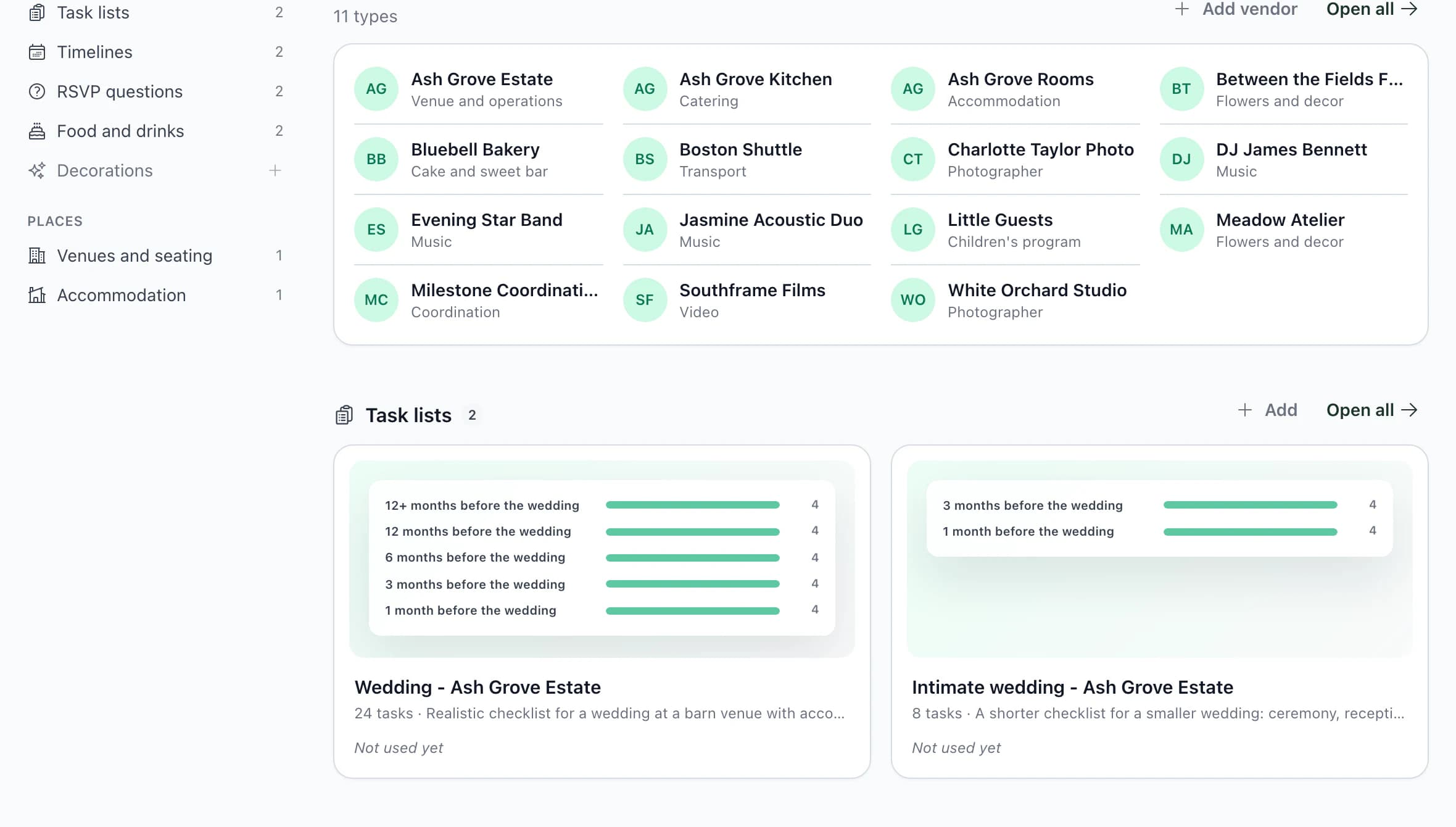
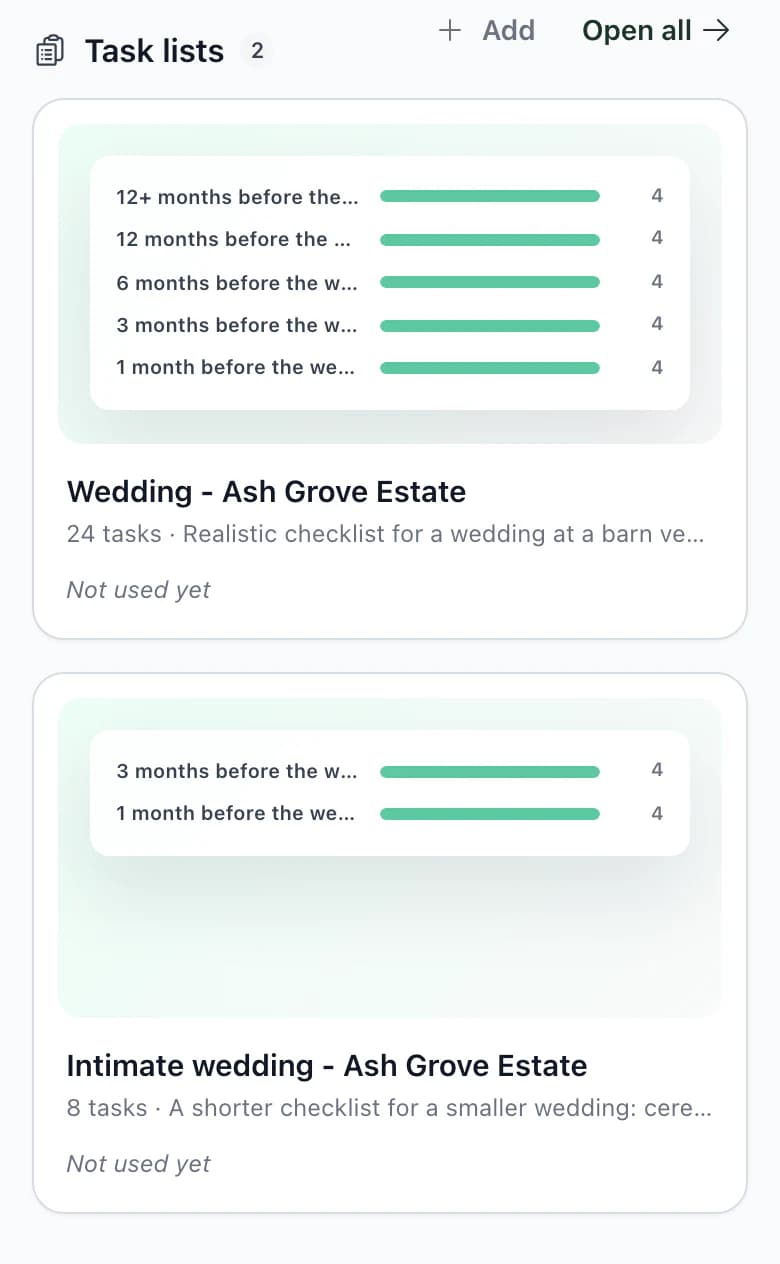
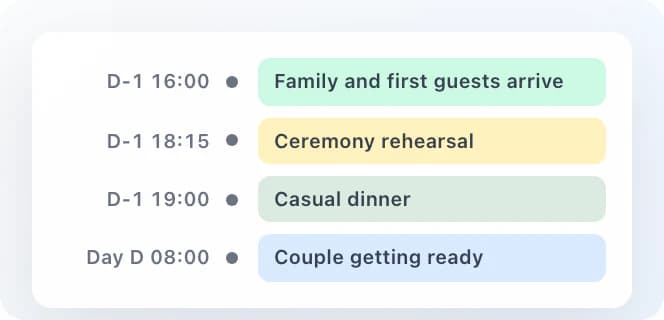
The process in the app6 steps from saving to wedding-specific edits
- Save what works
Choose Save as template in the wedding. A task list, timeline, RSVP form, food and drinks, decorations or table layout becomes a template in the library.
- Set default templates
In settings, choose the task list, timeline, RSVP questions and layout that each new wedding receives. You can choose different ones in the new wedding form.
- Use it in a wedding already in progress
In tasks or the timeline, choose Apply template and select the items to add. RSVP questions are added to the end of the form.
- Dates are calculatedAutomatically
A task set to 4 weeks before the wedding receives a specific date based on the main wedding date. It is added without dates only if you explicitly choose that option.
- Edit the wedding's items
Remove what this wedding does not need and add what is missing.
- Save improvements back to the template
Choose Overwrite existing to update the template with the wedding's content.
The template is copied into the weddingA copy, not a link
- Editing a template does not overwrite weddings
When you edit a template, only weddings where you apply it afterwards receive the changes.
- Applying adds; it does not overwrite
Tasks, timeline items and questions are added to what is already in the wedding. Apply a template twice and the items appear twice.
- The owner and administrators manage the library
The owner and administrators can save and edit templates. Other team members use them in weddings; the client cannot see the library.
Next step
A spreadsheet for clients or your own wedding.
Kruspin or a shared spreadsheet
When a shared spreadsheet is enough for your clients' weddings, and when it is not.
Wedding planningPlanning your own wedding: the order of tasks, budget, RSVP and registry office.
Start your next wedding from your own templates.
Save the task list and timeline from the wedding you are planning now. Your next wedding will start with more than an empty list.
Frequently asked questions
Templates in practice.
Did not find an answer? Write to us through the page support.
Will the spreadsheet open in Czech Excel?
Yes. The CSV uses semicolons and an encoding that Czech Excel can open with accented characters intact. Download it without an account, or copy it from the template page.
Which templates does the app support?
Task lists, timelines, RSVP questions, food and drinks, decorations and table layouts for a specific venue. The library also holds your vendor and accommodation directories. Guest lists and budgets cannot be saved as templates.
Will my template library be empty when I create an account?
Yes. A new account starts without templates, so nothing is added to your first wedding without your choice. Create templates in the library or save them from a wedding you are planning.