
Timeline template
The wedding day, item by item.
Time, schedule item, location and who is responsible. One timeline gives the client their schedule and each vendor their part.
Simplified demo move the ceremony
Music ends 01:00
13:00–16:30 close-up
01:00 Music ends and bar closesvenue's fixed time. The last ceremony-relative item, Late-night food, starts 2 h 30 min before it.
| Row | Day | Start | End | Item |
|---|---|---|---|---|
| 4 | Wedding day | 14:00 | 14:30 | Ceremony |
| 5 | Wedding day | 14:30 | 15:30 | Congratulations and photos |
| Column | Row 4 | Row 5 |
|---|---|---|
| Day | Wedding day | Wedding day |
| Start | 14:00 | 14:30 |
| End | 14:30 | 15:30 |
| Item | Ceremony | Congratulations and photos |
- You set the ceremony start time. Items linked to the ceremony are calculated from it.
- The time shifts with the ceremony.
- Wedding day: day relative to the wedding date; the file contains no date.
Obřad v 14:00.
Completed example: required details are valid
What belongs in the columnsRules for 8 columns when filling in the file in a spreadsheet
- Day
- Day before the wedding, Wedding day or Day after the wedding. Keeps multi-day wedding items in order. For example: Wedding day
- Start
- Time in the format 14:30. Leave items without a fixed time blank and keep them in the right order. For example: 14:30
- End
- Only for items with a duration: ceremony, wedding meal or photos. For example: 15:30
- Item
- A short label both the client and vendor understand. For example: Congratulations and photos
- Location
- A specific location within the venue, not just the venue name. For example: Garden
- Responsible
- A vendor or team member. This column gives each person their part. For example: Photographer
- Visible to
- Client and team, or Team only. The client does not need vendor arrivals and technical preparations. For example: Client and team
- Note
- What the person responsible needs to know. Anyone who sees the item also sees the note. For example: In the barn if it rains
How to use the file4 steps · One timeline, three different outputs
Build the timeline around what cannot move.
- Enter the fixed points
The ceremony time, meal service agreed with the kitchen, and when music must end under the venue's rules. These times are confirmed by someone other than you.
- Add preparation and transitions
Vendor arrival and setup, guests moving from ceremony to reception, and time for congratulations. Check durations with vendors.
- Assign a responsible person
Every item has one person responsible. An item without a name is no one's responsibility.
- Send each part
Send the client the schedule without internal items, and each vendor their items and arrival time. After a change, send a new version to everyone affected.
One timeline, three different outputs.
- Client The day's schedule without vendor arrivals and technical preparations.
- Team Every item, including internal items and operational notes.
- Vendor The day's schedule plus their own items, such as arrival and setup times.
Timeline in Kruspin
A day template for each wedding.
Save a timeline that works from a wedding as a template. Apply it to the next wedding and its items are dated relative to that wedding's main date. Add vendors and visibility in the wedding afterwards; the template does not include them.
See it in the appApp screens and 4 details
Template in the library
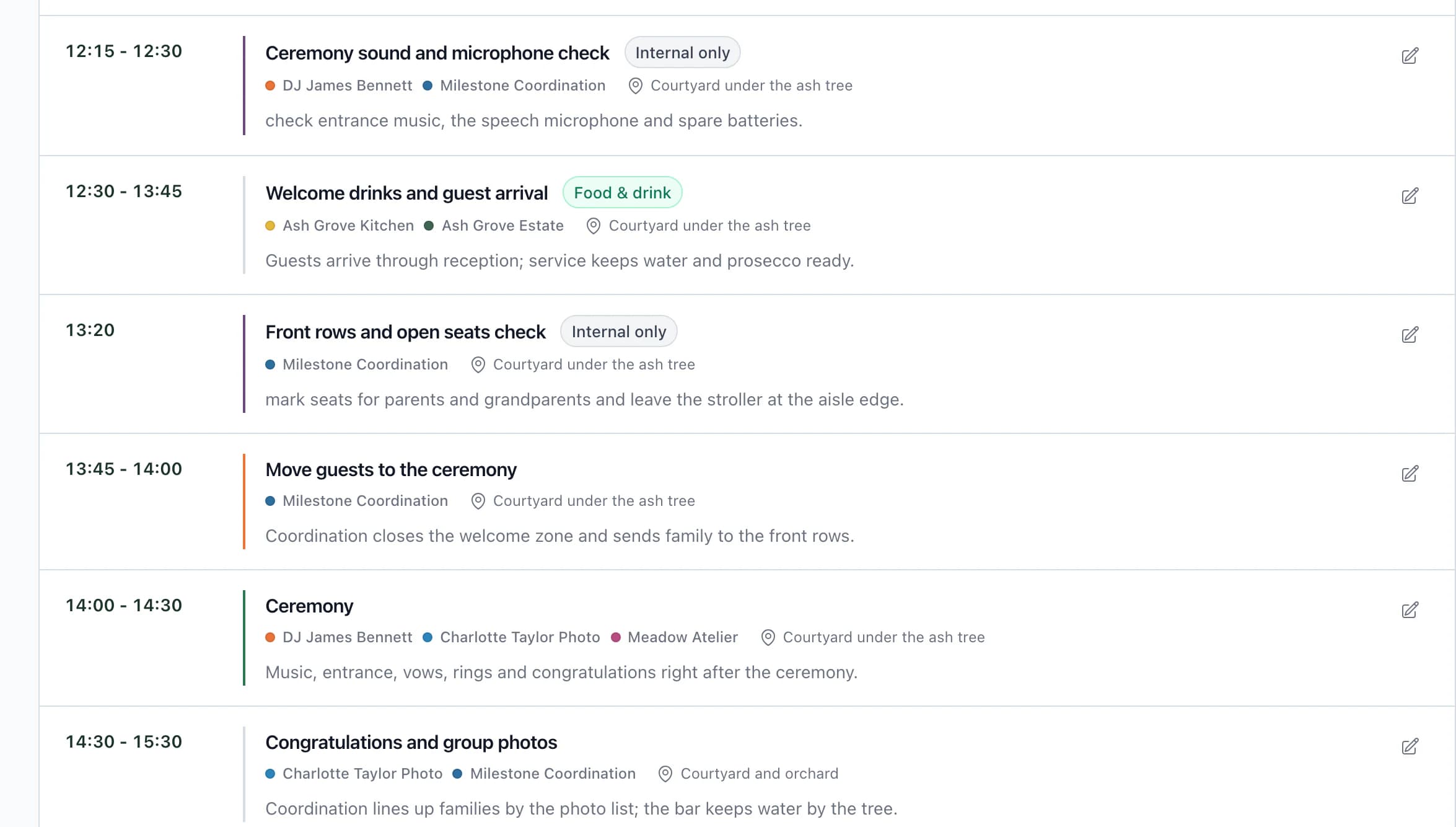
Wedding timeline
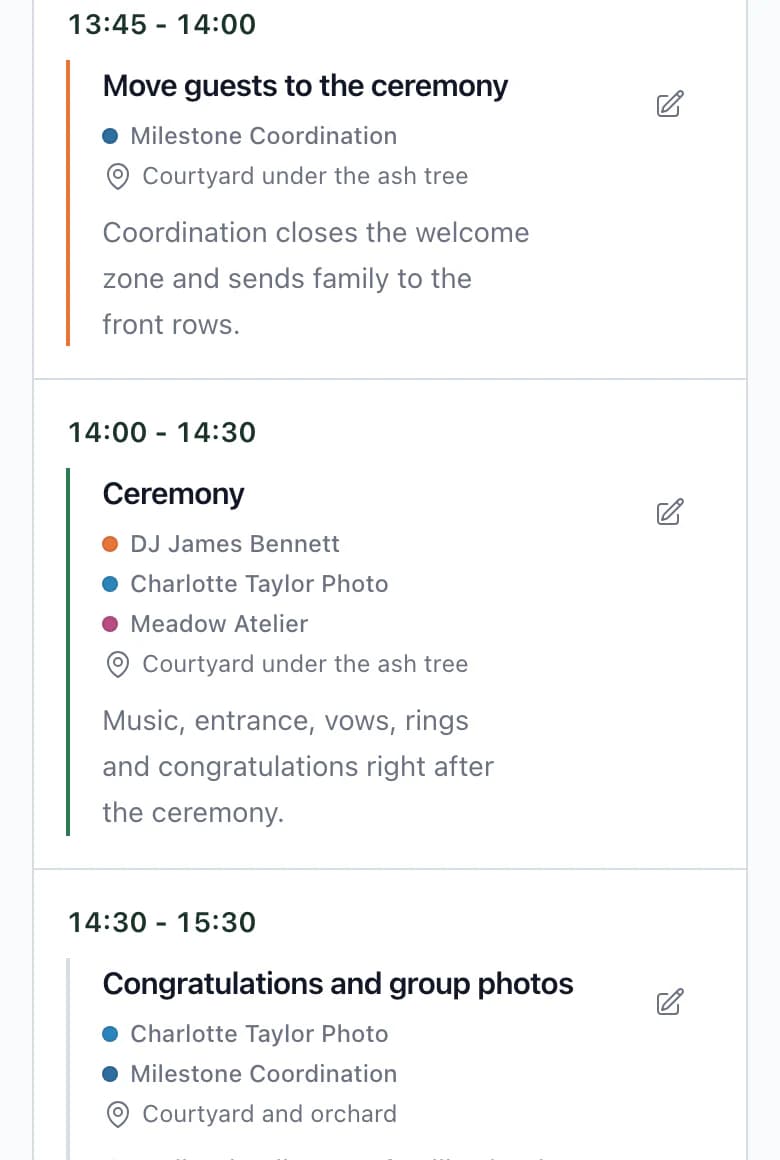
Template in the library
Wedding timeline
- What the template includes
Item name, day relative to the main date, time, location and note. Vendors and visibility are not included.
- The client sees items from the template
After applying the template, items and their notes are visible to the client. Mark team-only items Internal only afterwards.
- A timeline for each vendor
Each vendor gets their own document: the client's schedule plus their own items, including internal ones.
- Also for a wedding in progress
Apply template adds selected items to those already in the wedding. It does not overwrite anything.
Next step
The day starts with the preparations before it.
Checklist template
Tasks by planning stage, with deadlines relative to the wedding date.
Wedding timelineIn the app, each vendor receives their own version as a PDF or a link.
Save the day's structure for the next wedding.
Use a timeline that works at your next wedding, with items dated relative to its wedding date.
Frequently asked questions
Timelines in practice.
Did not find an answer? Write to us through the page support.
How detailed should the timeline be?
Every item should have a time, location and one responsible person. Keep preparations the client does not need to see as team-only items, rather than in a separate file.
When should I send the timeline to vendors?
Once the venue and kitchen have confirmed the fixed points. After each change, send a new version to those affected.