
Software for wedding coordinators
How to choose software for wedding coordinators.
A feature list tells you little. Test six things across a whole wedding, from a guest change to working as a team.
Criteria
Six things to try before you choose.
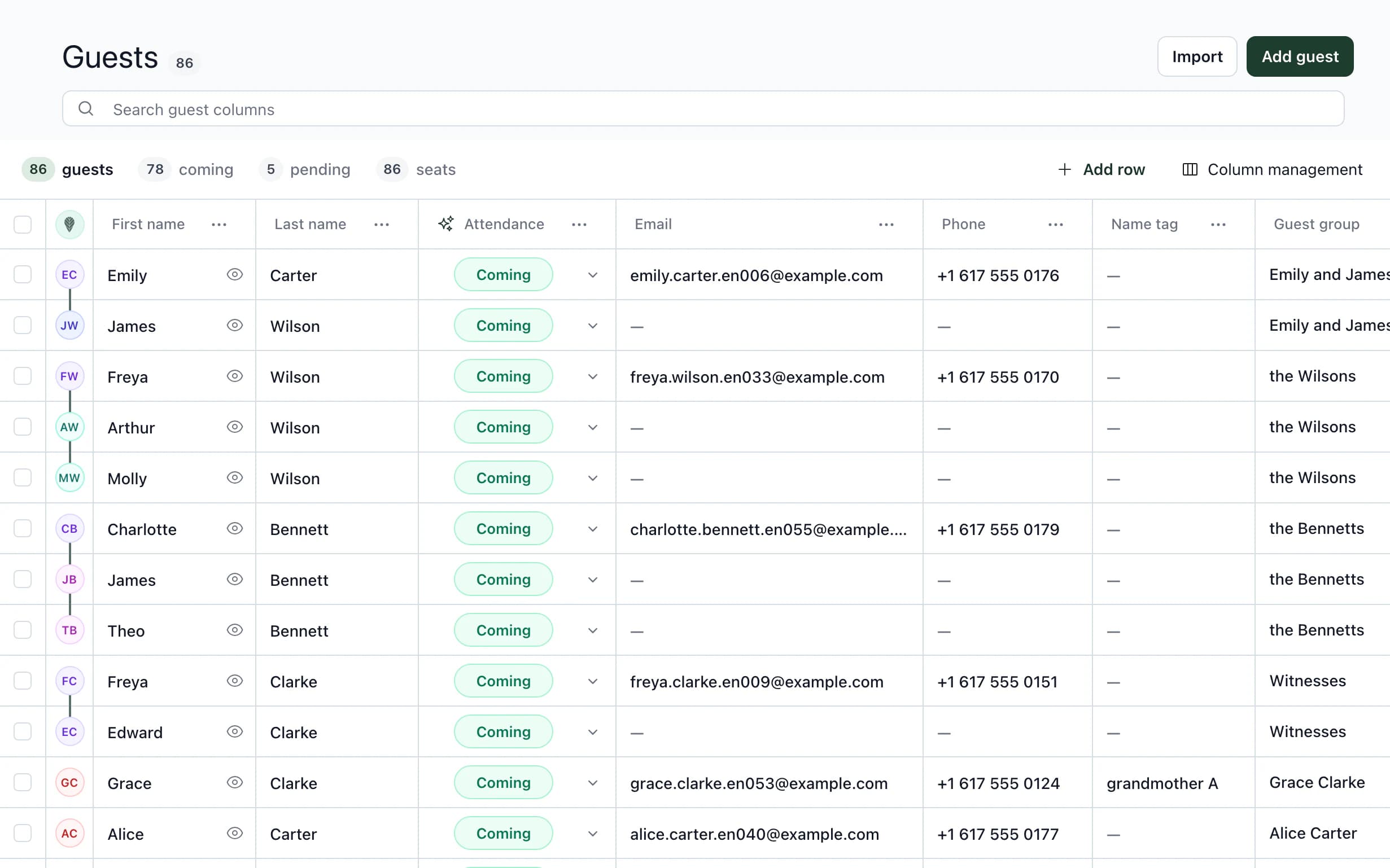
Take every tool you are considering through a whole wedding, from guests to vendor documents. Each point below shows the relevant part of Kruspin using Emily & James's wedding. You get the same wedding when you sign up.
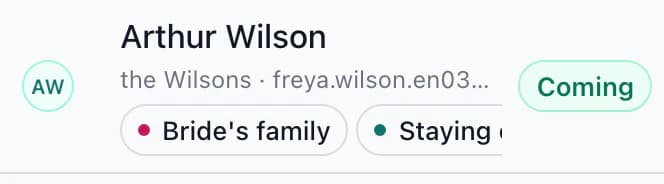
A guest cancels a week before the wedding. Find out what the tool changes itself, what it alerts you to and what is left for you to do. Try it with Arthur Wilson from Emily & James's wedding.
Guests and the kitchen
- guests
- 86
- attending
- 78
- awaiting response
- 5
- not attending
- 3
Kitchen: Arthur is included in meat meal counts.
Seating plan
Head table, seat 5: Arthur
Service staff: seat 5, meat beside the name
Rooms · Main House 07
- FridayArthur Wilson
- SaturdayArthur Wilson
Reception: Main House 07, Friday and Saturday
Arthur is attending. Choose Not attending and watch what changes automatically and what remains for you.
A simplified demo from Emily and James's wedding. A response recorded by the team takes effect immediately; one submitted through the RSVP form first waits for approval. Print the kitchen and serving staff documents as PDFs or send them by link.
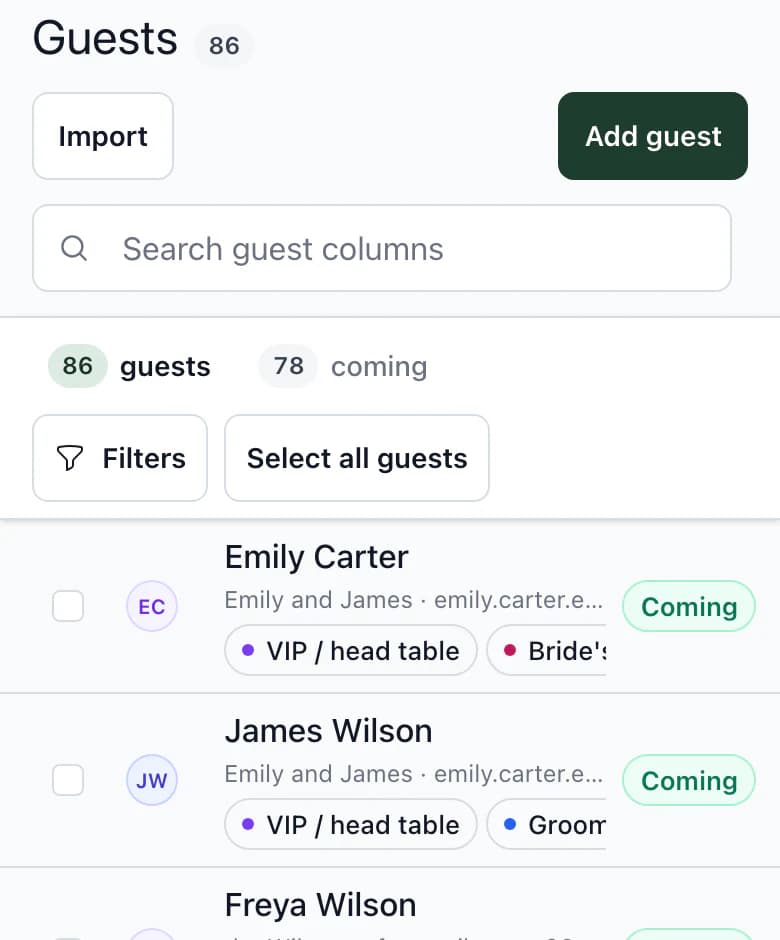
What will the client see, and what can they change? In Kruspin, they add guests and responses, seat guests and assign rooms. They can see budget items, prices and payments, but cannot change them. Internal threads stay hidden.
Arthur Wilson as seen by the team and client Arthur Wilson Team Client Table and seat Can edit Can edit Room by night Can edit Can edit Team note Can edit Cannot see Internal thread Can write Cannot see The full guest record as seen by the team, client and documents
Do tasks, the timeline, RSVP questions, food and drinks carry over? In Kruspin, choose what to take from the template; deadlines are calculated from the wedding date.
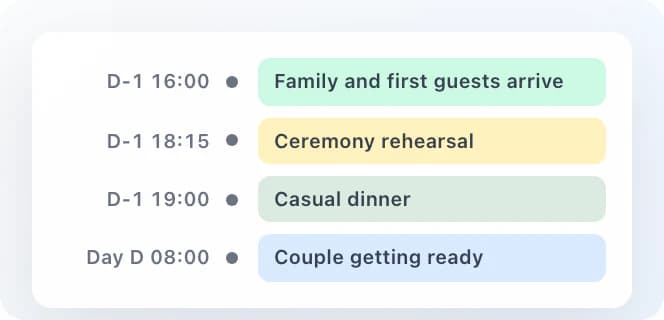
Timeline template in the library. Times are relative to the wedding day, so they work for another date too. Does the kitchen receive course times, portion counts and guests' dietary restrictions? Does the photographer receive the shared schedule and their own items, such as group photos after the ceremony? In Kruspin, every vendor has their own timeline, and the kitchen and service staff have their own documents.
Timeline – Photographer9 of 22 items in the day
- 14:00–14:30Ceremony
- 14:30–15:30Congratulations and group photos
- 20:30First dance
Timeline – Kitchen11 of 22 items in the day
- 10:45Kitchen briefing on dietary restrictions and children's portionsInternal
- 16:30–18:45Wedding meal
- 22:30–23:45Evening buffet
Each vendor receives the shared day schedule and internal items assigned to them. The photographer does not receive the DJ's sound check. If your weddings include accommodation, try Friday and Saturday separately. In Kruspin, assign guests by night; reception receives an alphabetical guest list with their stay and room.
Joshua Mitchell · the Mitchells
- FridayGarden Wing 03
- SaturdayMain House 11
Reception receivesRoom change: Garden Wing 03 → Main House 11
The guest has rooms assigned by night. The reception list sorts guests alphabetically with their stay and room. Can your assistant find their tasks, and do internal notes stay with the team? In Kruspin, each team member has a role and the client cannot see internal threads.
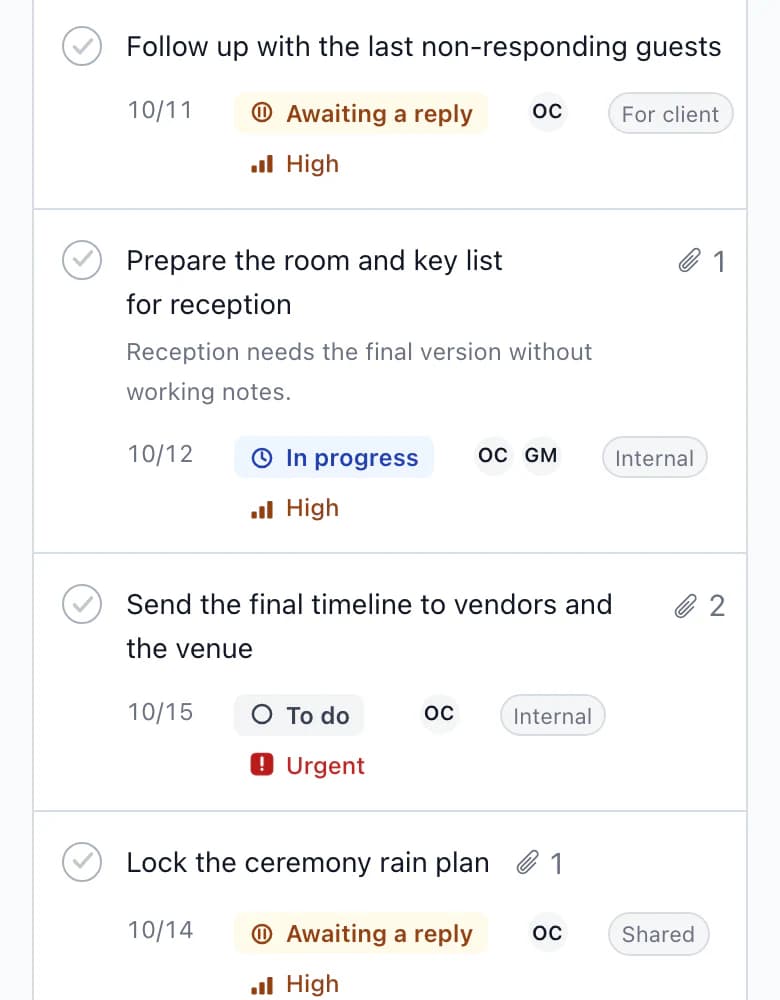
Tasks three months before the wedding: each has a responsible person. The client cannot see tasks tagged Internal or internal threads.
Common sticking points
Three types of tool, three weak spots.
Table
You maintain the link between guest, table and room manually. The client gets the whole spreadsheet, or a copy you maintain separately.
General project management tool
Tasks, yes. Guests, tables, nights and kitchen documents, no.
Wedding app for couples
One wedding, one couple. Teamwork and vendor documents are usually missing.
Next step
Try the criteria on Emily & James's wedding.
After signing up, you get the app with Emily & James's wedding. Change a guest's response, open the kitchen document and see what the client sees.
Wedding coordination pricingScope of work and billing method, assembled into a client proposal outline.
Frequently asked questions
Choosing software in practice.
Did not find an answer? Write to us through the page support.
Do I have to move every wedding in progress?
No. Finish weddings already in progress where they are and start your next one in Kruspin. Upload guests from a spreadsheet using a CSV or XLSX file.
Does the client have to work in the app too?
No. Invite the client when you want them to add guests and responses themselves. Until then, only the team works in the app.
Does Kruspin also suit wedding venues?
Yes. A venue with a kitchen and accommodation can invite the kitchen and reception with their own access, or send them documents by PDF or link.