
Checklist template
Tasks with deadlines relative to the wedding date.
Tasks by planning stage, with deadlines relative to the wedding date rather than a specific day, so you can reuse the checklist. Kruspin calculates actual dates for each wedding.
Simplified demo enter the wedding date
Enter the date to see when each task is due.
- 4 weeks before the weddingStage: 1 month before the wedding
| Row | Stage | Task | Deadline |
|---|---|---|---|
| 15 | 1 month before the wedding | Give the venue and kitchen the final guest count | 4 weeks before the wedding |
| Column | Row 15 |
|---|---|
| Stage | 1 month before the wedding |
| Task | Give the venue and kitchen the final guest count |
| Deadline | 4 weeks before the wedding |
- The “4 weeks before the wedding” deadline stays in the file and determines the stage.
Completed example: required details are valid
What belongs in the columnsRules for 7 columns when filling in the file in a spreadsheet
- Stage
- One of six stages, from 12 months before the wedding to the period afterwards. Keep tasks in the same stage together. For example: 1 month before the wedding
- Task
- One specific action, starting with a verb. For example: Give the venue and kitchen the final guest count
- Deadline
- The number of days, weeks or months before or after the wedding. No specific calendar date. For example: 4 weeks before the wedding
- Task type
- Internal for the team, For the client or Shared. For example: Internal for the team
- Responsible person
- A role you replace with a name in the wedding. For example: Wedding coordinator
- Priority
- Low, Normal, High or Urgent. For example: High
- Note
- How to complete the task. The client sees it on client tasks. For example: Split counts into adults and children
How to use the fileTask type determines what the client sees
Use the tasks as a starting list and adapt them to your process. Move deadlines to reflect how far in advance you start with clients.
Task type determines what the client sees.
- Internal for the team The client cannot see it. Vendor arrangements, contract checks and document preparation.
- For the client The client sees it, including the note, and marks it complete themselves.
- Shared A task you work on with the client. Both of you can see it and either can mark it complete.
Tasks in Kruspin
Deadlines are calculated from the wedding date.
Save the task list as a template and use it for each new wedding. Kruspin turns 4 weeks before the wedding into a specific calendar date based on the wedding's main date.
See it in the appApp screens and 4 details
Template in the library
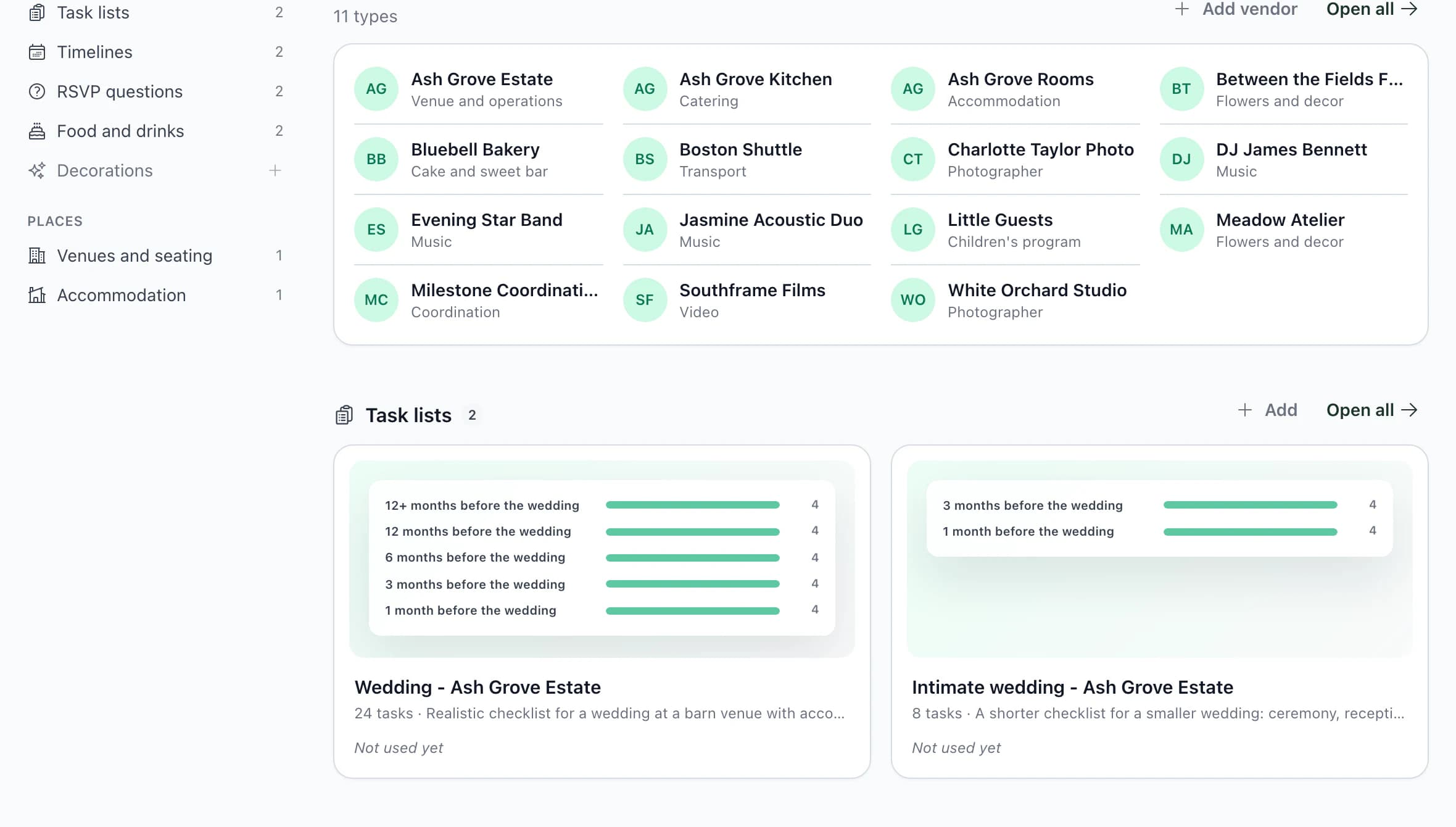
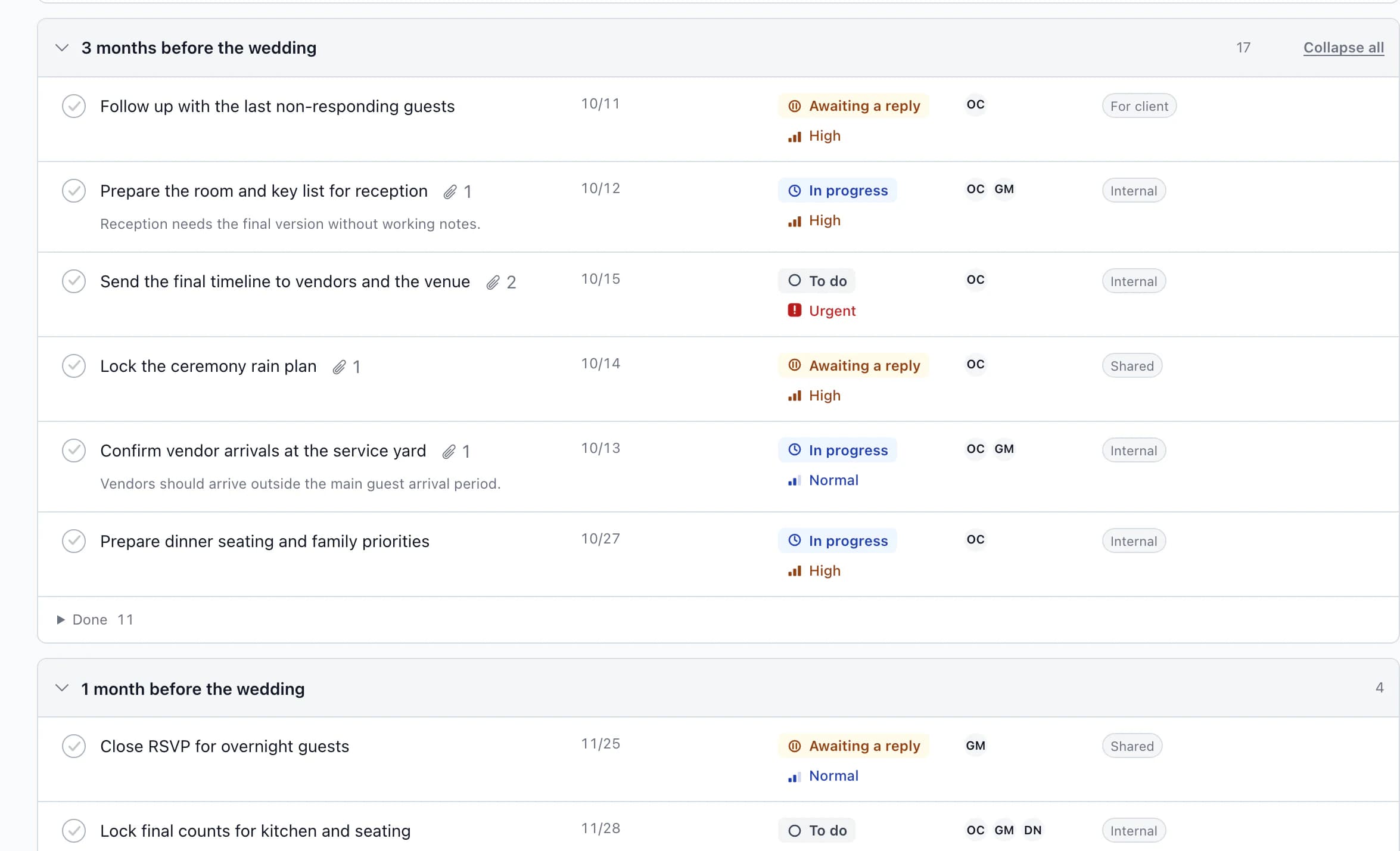
Wedding tasks
Task templates in the library
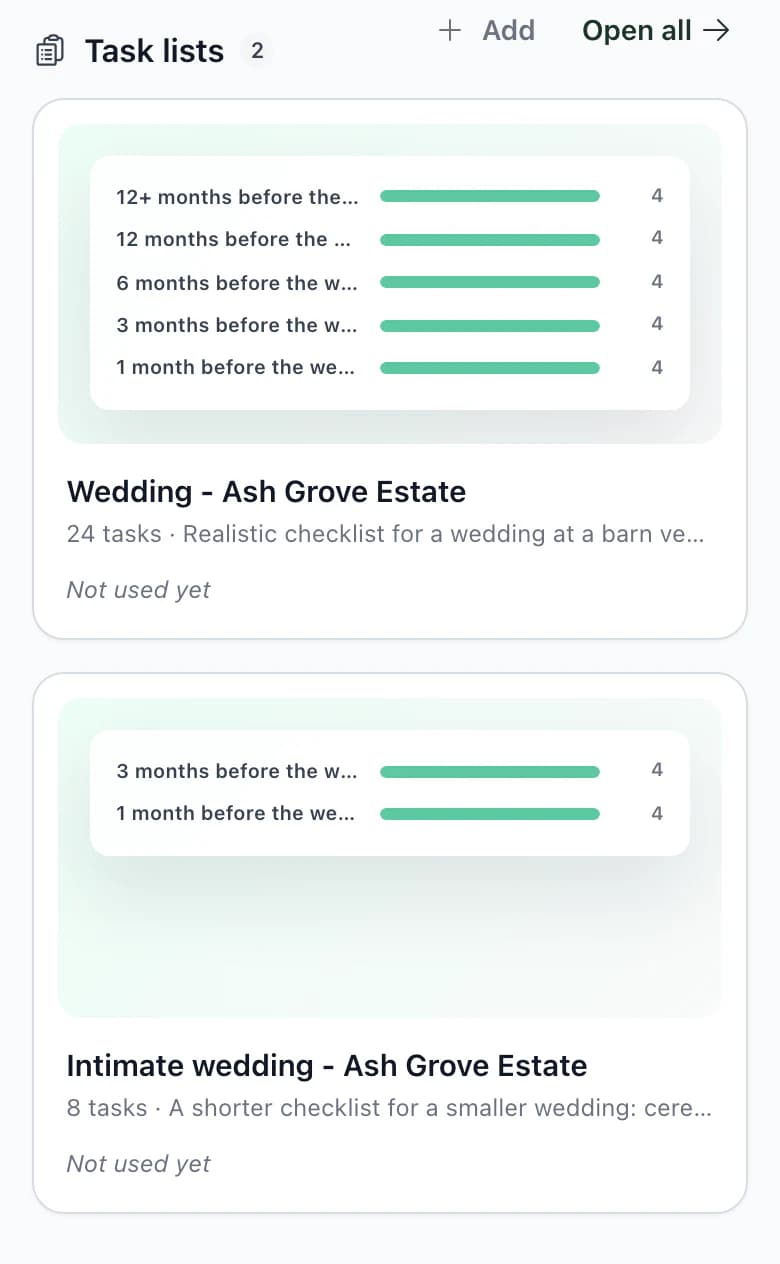
- Choose tasks when applying
Before adding them, see every task's deadline and select only the tasks this wedding needs.
- Save from a wedding in progress
Save a wedding's checklist as a template. Deadlines become offsets from the wedding date, completed tasks start afresh, and assignments and attachments do not carry over.
- Default checklist for new weddings
In settings, choose the task list every new wedding receives.
- The client sees their tasks
The client sees client and shared tasks through their own access and can mark them complete.
Next step
Tasks go with a budget.
Budget template
Estimate, agreed price, paid amount and due date for each item.
Software for wedding coordinatorsTask templates are one of the six criteria for choosing software.
Give your next wedding a ready-made checklist.
Save a task list that works. Deadlines for a new wedding are calculated from its date.
Frequently asked questions
Checklists in practice.
Did not find an answer? Write to us through the page support.
Can I use the checklist in a wedding already in progress?
Yes. Select tasks, check the calculated deadlines and add them. Tasks are added to existing ones without overwriting anything. If you do not want deadlines, add the tasks without them.
How does a checklist differ from a timeline?
A checklist covers tasks in the weeks and months before the wedding. A timeline covers the wedding day itself, hour by hour.