
For wedding coordinators
All your clients' weddings in one app.
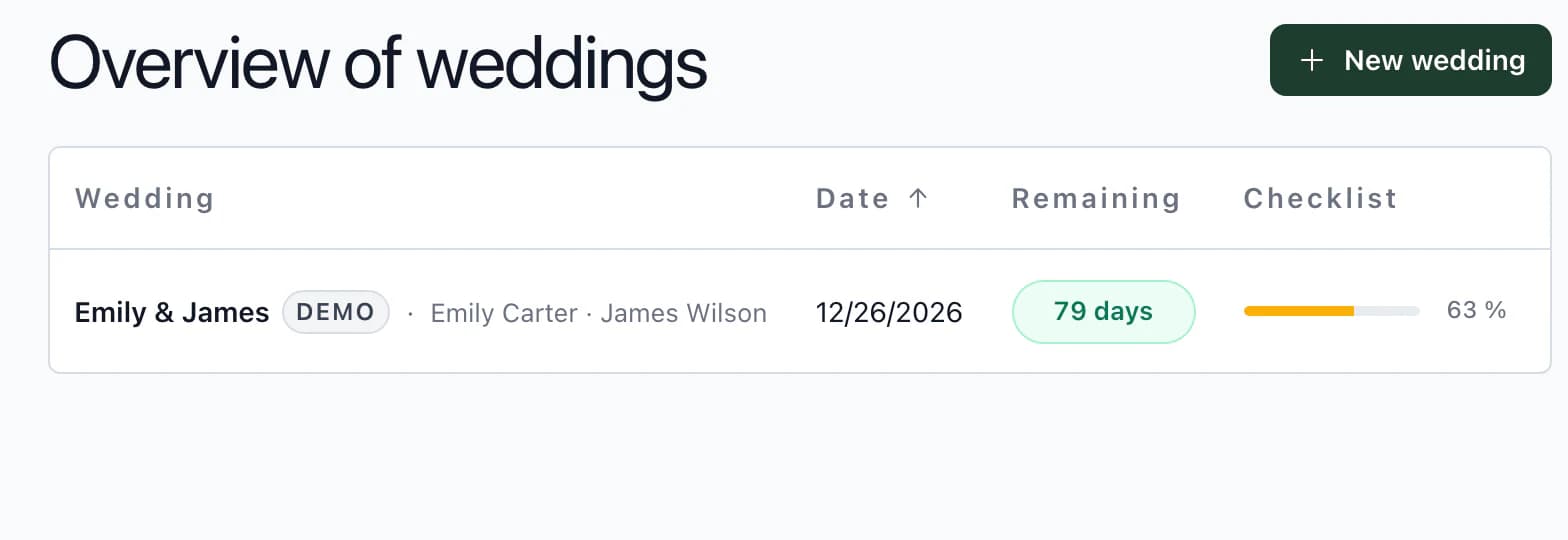
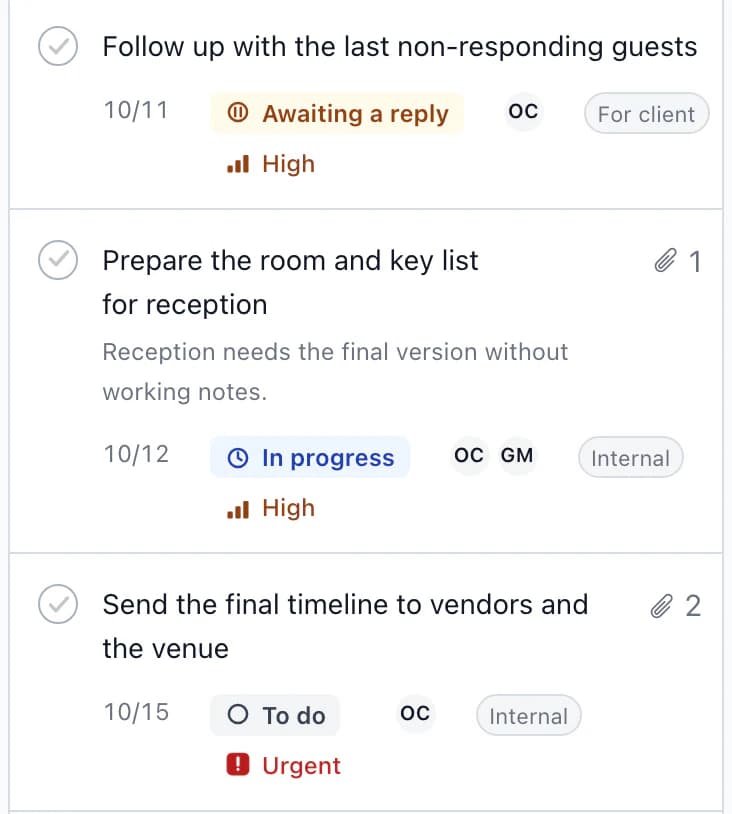
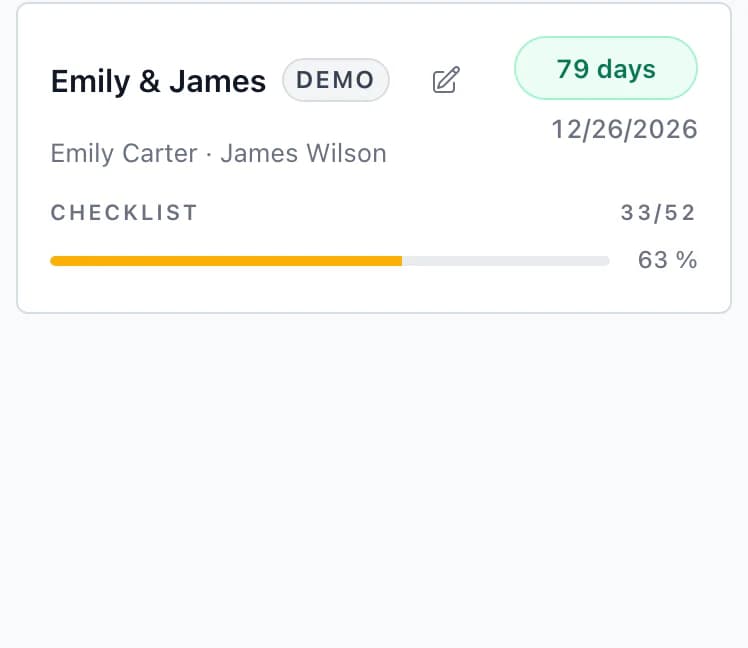
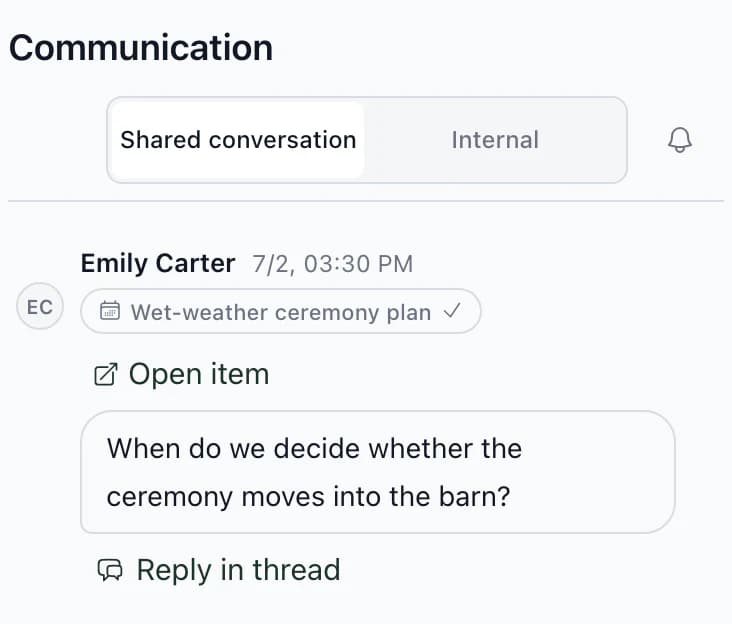
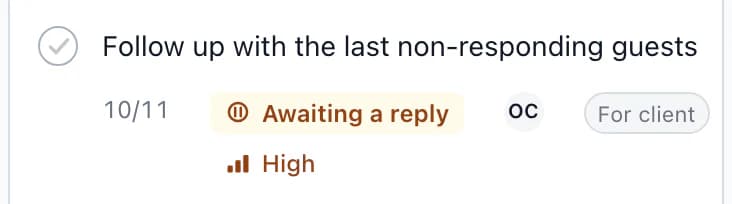
Your weddings appear in one list by date. See what still needs attention at each wedding, and carry the decisions through to documents for service staff, the kitchen or reception.
Where to start
Choose what you are working on.
Choosing a tool and working with clients
Software for wedding coordinators
Six things to check before you choose.
Client collaboration
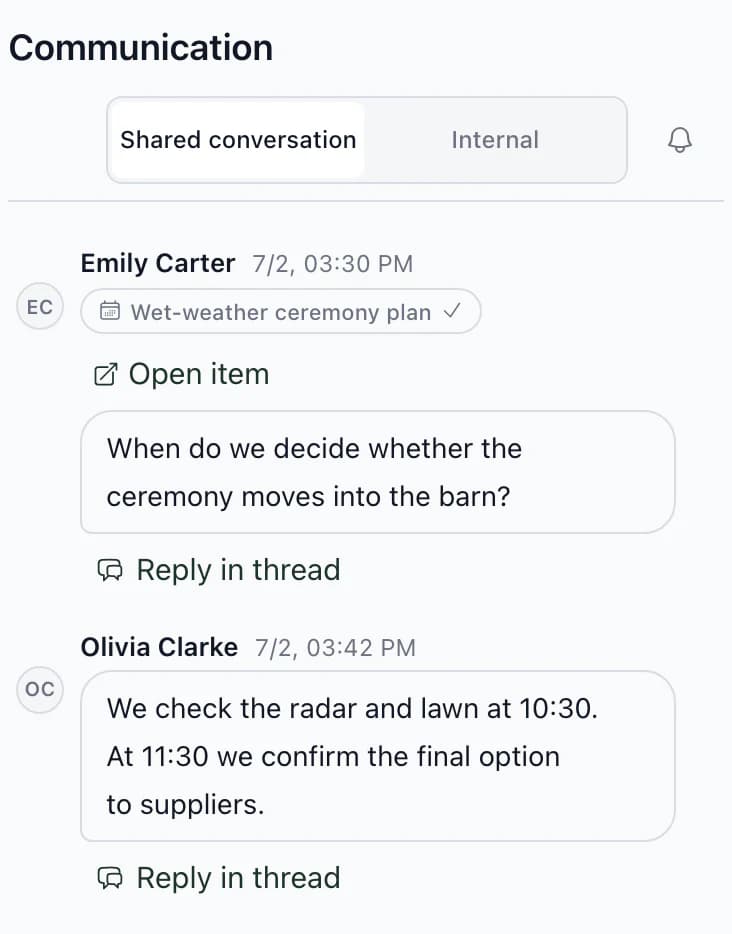
What the client sees in the app, what they can change and what stays with the team.
Kruspin or a shared spreadsheet
When a spreadsheet is enough, and when it is not.
Seating plan
Tables on the venue floor plan, with each guest's menu and dietary restrictions.
View page Seating planPreview: Seating plan
Who it is for
Who Kruspin suits.
A good fit
- Wedding coordinators and agencies
You manage several weddings at once, share selected information with clients and send documents to vendors.
- Wedding venues with in-house coordination
Your team coordinates weddings at your venue. Kitchen counts and rooming lists for reception come from the same guest list.
Not a good fit
- Couples planning on their own
Kruspin is a tool for the business planning weddings. The couple is invited by their coordinator or venue.
- Hotels looking for a booking system
Accommodation in Kruspin is a wedding rooming list. It does not sell rooms or connect to a hotel system.
Next step
Try Kruspin on Emily & James's wedding.
After signing up, you get the app with Emily & James's wedding. Explore its guests, seating plan, rooms and documents for vendors.
Software for wedding coordinatorsSix things to check when choosing software, each with an example from the app.
Frequently asked questions
Questions from wedding coordinators.
Did not find an answer? Write to us through the page support.
How do I bring in the processes I already use?
Save tasks, timelines, RSVP questions, food and drinks as templates. For your next wedding, choose what to use; dates are calculated from the wedding date. Upload guests from a CSV or XLSX file and map the columns.
Can my assistant work in the app too?
Yes. Invite them to the team and choose a role. The team can see internal threads, tasks and timeline items; the client cannot.